🚀 StockMaster — The Ultimate Inventory & Warehouse Management Platform
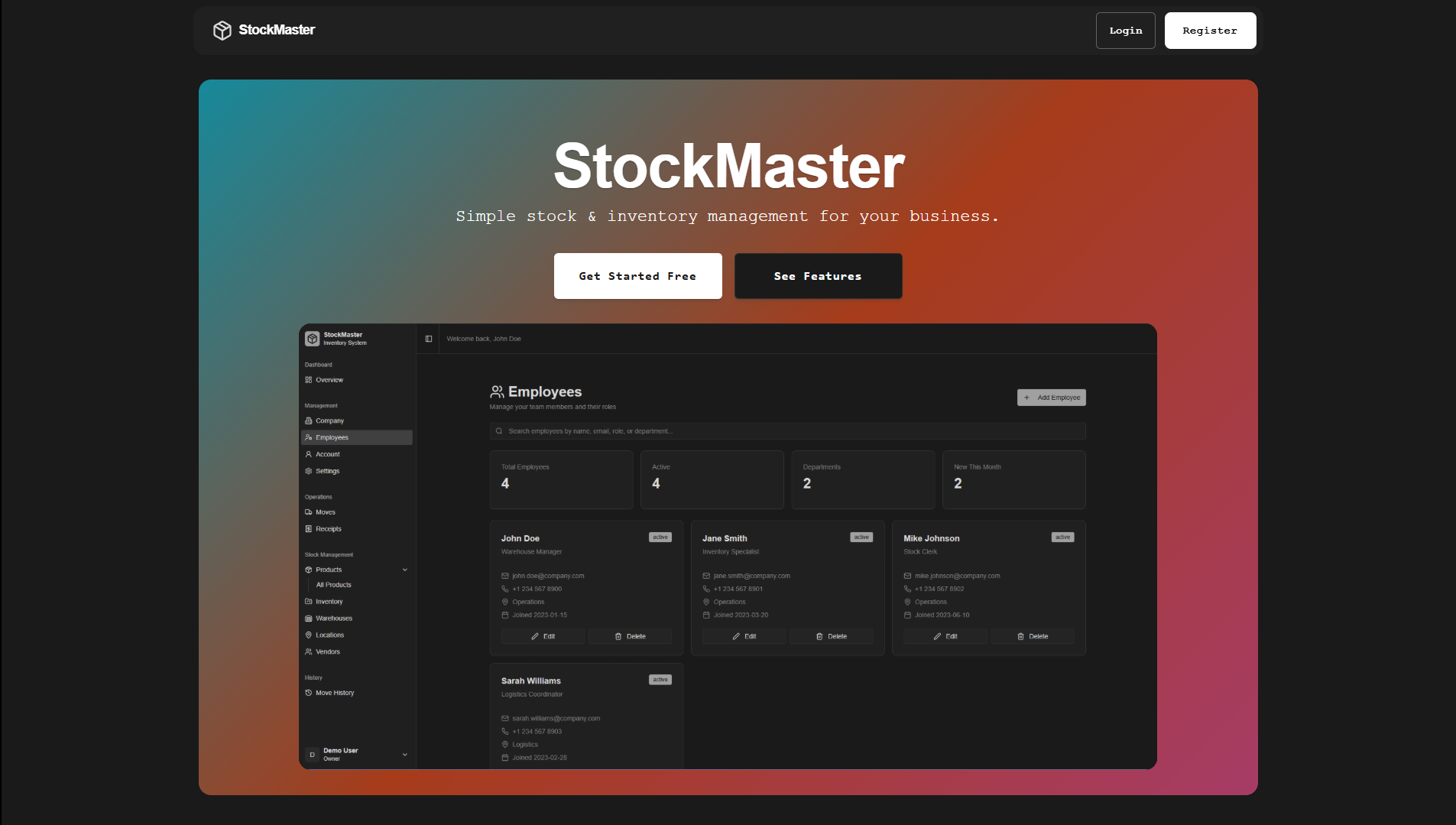
Modern. Powerful. Effortless.
StockMaster is your all-in-one solution for managing products, warehouses, and teams. Built for businesses that demand speed, reliability, and a beautiful user experience.
🌟 Why StockMaster?
- Lightning-Fast Onboarding: Get started in minutes with a guided setup. Create your first warehouse, invite managers, and hit the ground running.
- Real-Time Inventory: Track stock levels, movements, and KPIs across all your warehouses. Never run out of stock or over-order again.
- Team Collaboration: Assign roles, invite managers and staff, and control access with robust permissions.
- Insightful Analytics: Instantly see what matters—low stock alerts, pending receipts, and product trends.
- Secure & Reliable: Enterprise-grade authentication, token management, and audit logs keep your data safe.
- Mobile-Ready: Responsive design for seamless use on any device.
✨ Feature Highlights
-
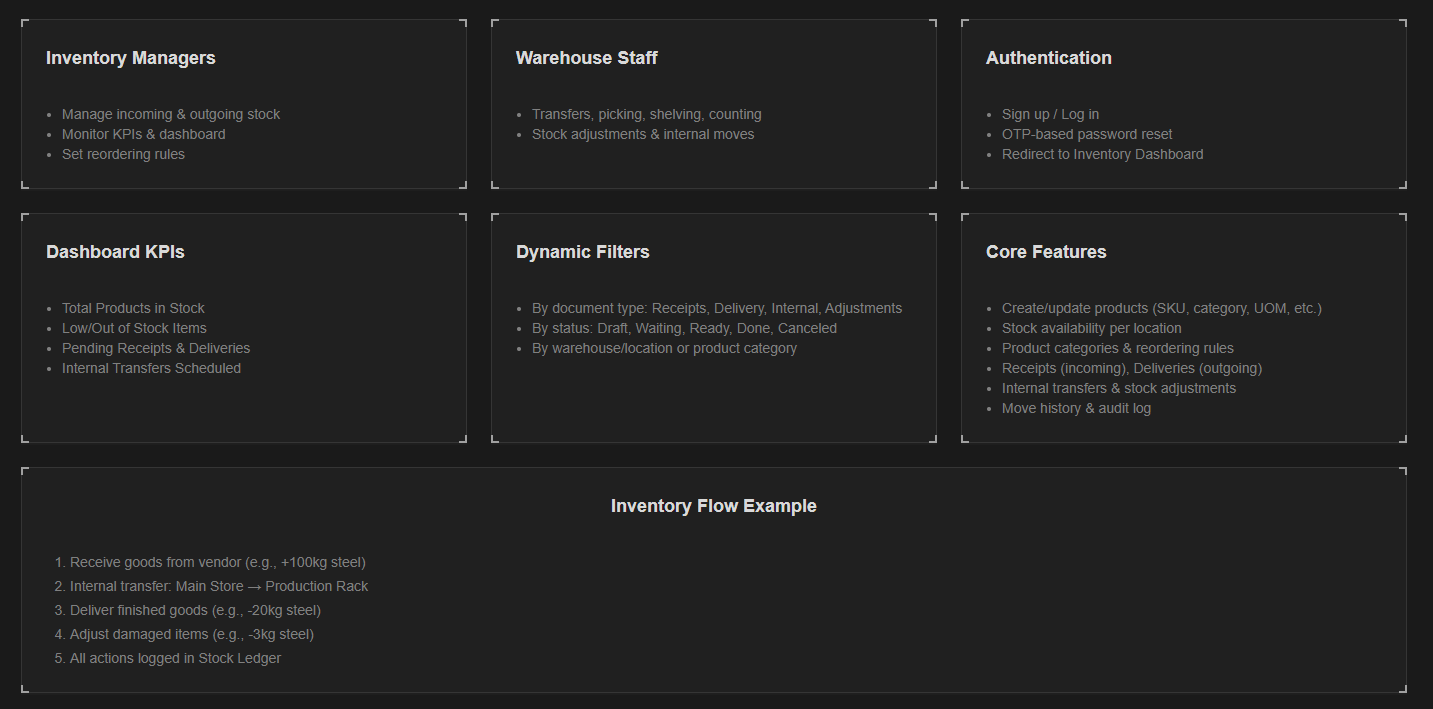
Authentication & Security
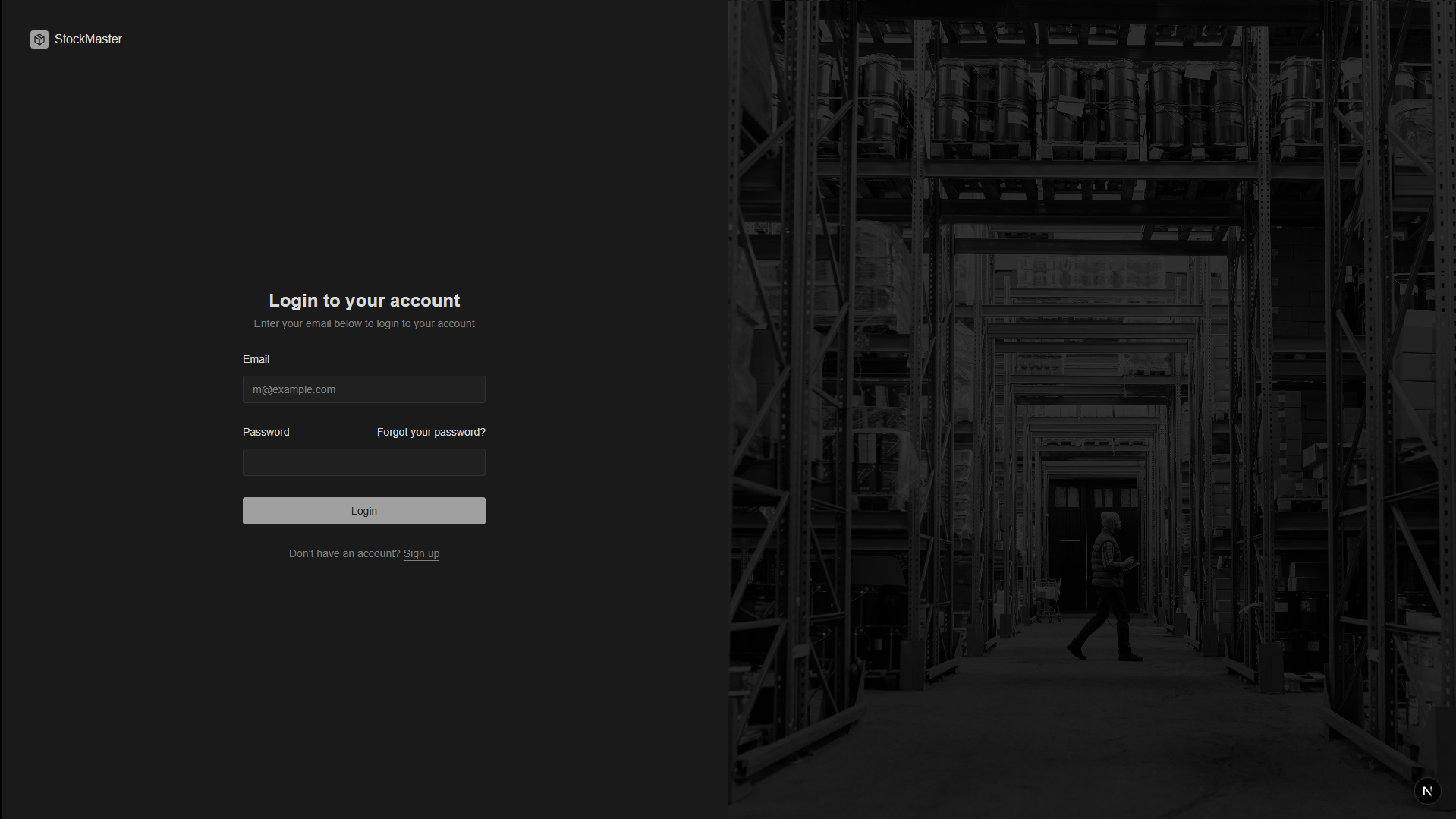
- Secure login, JWT, httpOnly cookies, password reset (OTP)
/auth-debugpage for troubleshooting
-
Onboarding Wizard
- Step-by-step warehouse creation
- Manager assignment with real-time user search
- Email notifications for new members
-
Inventory Management
- Products, categories, SKUs, and locations
- Receipts, deliveries, internal transfers, adjustments
- Move history and audit trail
-
Dashboard & KPIs
- Visualize stock levels, low/out-of-stock items, and pending actions
- Customizable widgets and quick actions
-
Role-Based Access
- Owners, managers, staff
- Fine-grained permissions for every workflow
-
API & Integrations
- RESTful backend, CORS, token/cookie auth, refresh support
- TypeScript-first, ready for custom integrations
🖼️ Features to explore
🏗️ Architecture
api/           # Node.js/Express backend (TypeScript)
frontend/      # Next.js 14+ app (TypeScript, shadcn/ui)
  app/         # Next.js app directory
  components/  # UI and feature components
  lib/         # Utilities and API client
  hooks/       # React hooks
  public/      # Static assets (images, screenshots)
  styles/      # Global styles
⚙️ Quickstart & Environment Setup
1. Clone & Install
git clone https://github.com/Prg-Yash/odooxspit-stockmaster
cd odooxspit-stockmaster
pnpm install # or npm install
2. Configure Environment Variables
Backend (api/.env)
Edit values as needed (DB, JWT, SMTP, etc)
Example .env for backend:
DATABASE_URL="postgresql://user:password@localhost:5432/stockmaster"
JWT_SECRET="your-jwt-secret-key"
JWT_EXPIRES_IN="15m"
REFRESH_TOKEN_EXPIRES_DAYS="30"
PORT=4000
SMTP_HOST=smtp.example.com
SMTP_PORT=587
SMTP_USER='your-email@example.com'
SMTP_PASS='your-smtp-password'

# Email Configuration
FROM_EMAIL='your-email@example.com'
FROM_NAME='Your App Name'

# Base URL (for email links)
BASE_URL=http://localhost:4000
Frontend (frontend/.env)
Edit env:
Example .env for frontend:
NEXT_PUBLIC_API_URL to your backend URL
3. Database Setup (Backend)
cd api
npx prisma migrate dev --name init
npx prisma generate
4. Run Both Apps
Backend:
cd api
npm run dev
Frontend:
cd frontend
npm run dev
🚦 How It Works
- Sign Up & Onboard: Create your account, set up your first warehouse, and invite your team.
- Manage Inventory: Add products, track stock, and monitor KPIs from a beautiful dashboard.
- Collaborate: Assign roles, manage permissions, and keep everyone in sync.
- Stay Informed: Get instant alerts for low stock, pending actions, and more.
🔑 Authentication Flow
- User logs in (credentials sent to
/auth/login) - Backend sets
accessTokenandrefreshTokencookies (httpOnly, secure) - Frontend stores user info for UI
- API requests use token from cookies
- Backend accepts tokens from Authorization header or cookies
/auth-debugpage helps diagnose auth issues
See AUTHENTICATION_FIX.md for full details and troubleshooting.
🧑💻 Development & Debugging
- Auth Debug: Visit
/auth-debugto view cookies, localStorage, and test API - Clear Session: Use browser devtools to clear cookies/localStorage before login
- CORS: Backend CORS is set for local dev; ensure both servers run on correct ports
- Token Refresh: Access tokens expire in 15 min; refresh logic endpoint available
📚 Documentation
📝 Roadmap
- [ ] Token refresh logic in frontend
- [ ] Enhanced error handling and UI feedback
- [ ] CSRF protection and secure cookies for production
- [ ] More granular roles and permissions
- [ ] Mobile-first improvements
🤝 Contribute & Join Us
Pull requests are welcome! For major changes, please open an issue first to discuss what you would like to change.
📄 License
MIT
📢 Credits
- UI: shadcn/ui
- Icons: Lucide
- Backend: Express, TypeScript, Prisma, Postgresql(db)
- Frontend: Next.js, React, Tailwind CSS
📬 Contact
For support or questions, open an issue or contact the maintainer.